. 4 min read. Chiropractor SEO Company team
Open on Saturday? Make Sure Google Knows
Regular, special and holiday hours on a practice's Google Business Profile, how open now filtering works, and a routine that keeps the front desk in sync.
Free SEO reviewYour profile and site, checked in writing within one business day.
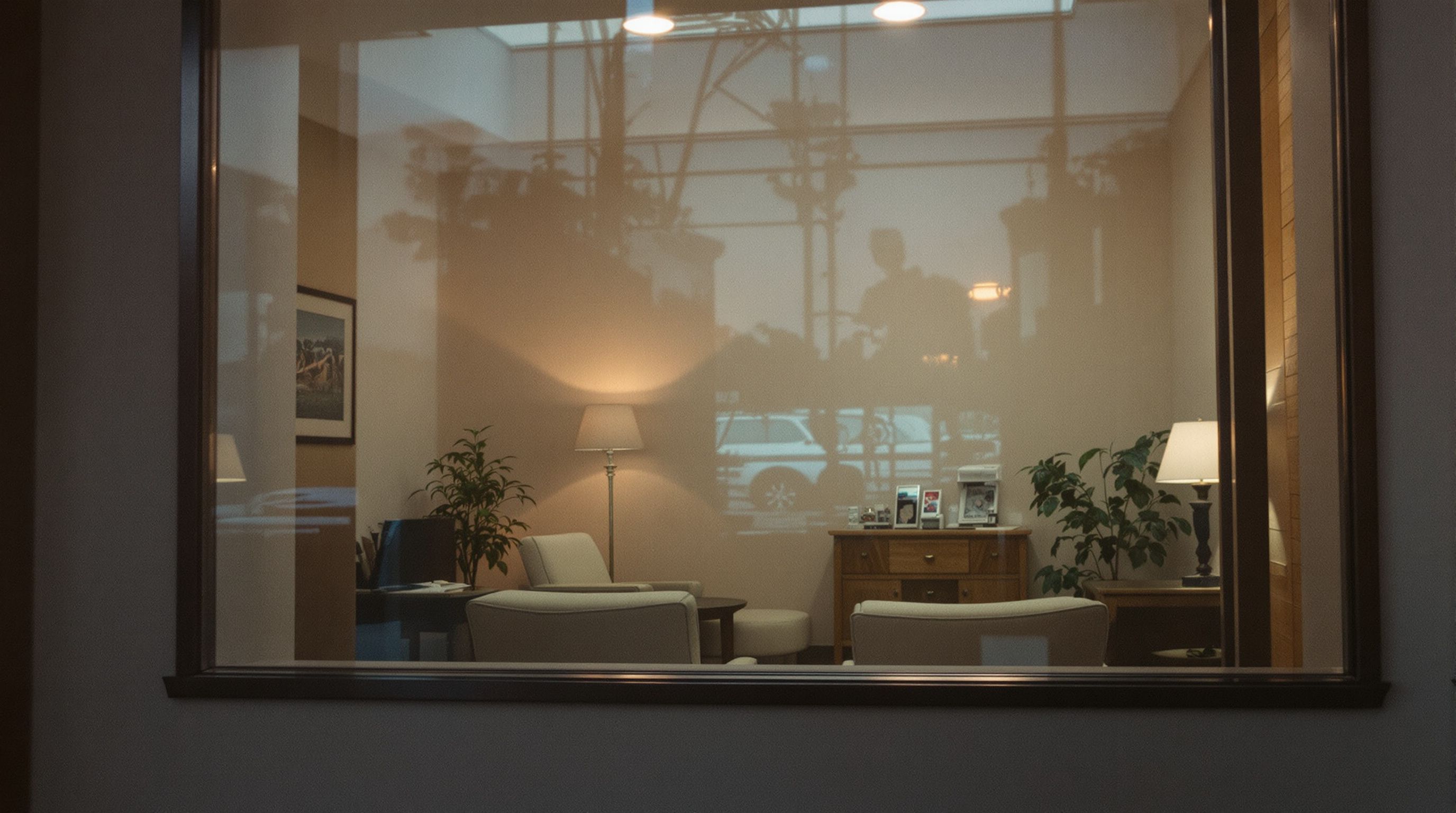
If you see patients on Saturday, put Saturday in the regular hours on your Google Business Profile and make your website say the same thing. That's what lets Google show you as open to someone searching on a Saturday morning, including people who filter the map to places that are open now. If your Saturdays vary, the special hours setting handles the exceptions, and it only works when one person at the front desk owns it.
Three kinds of hours, three jobs
| Setting | What it's for | Example for a practice |
|---|---|---|
| Regular hours | Your normal weekly schedule | Monday to Friday 8 am to 6 pm, Saturday 9 am to noon |
| Special hours | Specific dates that differ from the normal week, including holidays | Closed on a holiday Monday, or open one extra Saturday in December |
| More hours | Hours for a particular service, where Google offers the option for your category | Separate hours for one service, only if the option appears for you |
Holiday hours are special hours entered for holiday dates. Special hours apply only to the dates you set, and the regular schedule takes over again afterwards, so there's nothing to undo when the holiday is over. Ahead of major holidays, Google may ask you to confirm your hours, and if you haven't, it may tell searchers that your hours could differ that day. Google's Business Profile help shows where each setting lives.
How "open now" works for you or against you
Google Maps lets searchers filter results to places that are open now. What decides it is the hours in your profile, not whether the lights are on. If Saturday is marked closed or left empty, a Saturday morning searcher using that filter won't see you at all, and one who doesn't filter sees "Closed" next to your name.
The opposite mistake does more harm: a profile that shows you open when you're not sends a patient to a locked door, and that's a visit they remember. Don't expect extra listed hours to lift your ranking on their own either. List the hours you actually see patients and make accuracy the goal.
Patients who type "chiropractor open on weekends" or "chiropractor open Saturday" are telling you exactly what they need. Your profile hours answer them in the map, and a line on your website's hours and contact pages answers them there. Hours are one of the profile basics in local SEO for chiropractors, and one of the few that patients notice immediately when they're wrong.
Every other Saturday, and other awkward schedules
Regular hours describe one weekly pattern. If you open on alternate Saturdays, or only when a particular doctor is in, there are two ways to set it up. The right choice depends on what happens when someone forgets to update it.
Option A: Saturday is open in regular hours, and the closed Saturdays are added as special hours. When someone forgets, the profile shows you open on a Saturday you're closed, and patients may arrive at a locked door.
Option B: Saturday is closed in regular hours, and the open Saturdays are added as special hours. When someone forgets, the profile shows you closed on a Saturday you're open. You miss some searchers, but nobody makes a wasted trip.
If the Saturday schedule is set months ahead and someone reliably enters it, either option works. If it changes week to week, Option B fails more gently. Whichever you choose, enter dates as far ahead as the schedule is known and give the person who owns it a recurring reminder.
Keep the website and every listing in sync
Hours live in more places than most offices keep track of:
- The header or footer of your website, the contact page and any location pages.
- Your booking system's availability.
- Structured data on your site, if your developer added opening hours to it (schema.org's OpeningHoursSpecification is the usual way).
- Apple Maps, Bing Places, Yelp, Facebook, and health directories such as Healthgrades and Zocdoc.
- Your voicemail greeting and any email auto-reply.
When these disagree, patients don't know which to believe and Google has conflicting information to weigh. Keep one master list of every place your hours appear, and change them all on the same day.
Google can also change your hours without you. People can suggest edits to a business's details, and Google may apply updates from those suggestions or from other sources. When that happens, the profile normally shows you the change so you can review it. Check your profile whenever you get a notice about an update, and correct anything that's wrong.
What happens when the front desk forgets
The usual failure points are easy to recognize. A new team member doesn't know the profile exists. The person who managed it left and the login went with them. Holiday hours were set last year and nobody entered them this year. A doctor's Saturday schedule changed and only the booking system was updated.
The fix is a written routine:
- One named owner for the hours on your profile and every listing, with a named backup.
- Logins on a practice-owned email address, never someone's personal one.
- A check on the first business day of each month: profile, website footer, contact page and booking system.
- Every December, next year's holiday closures entered as special hours.
- Any schedule change triggers a same-day update of every place on the master list.
- Once a quarter, on a Saturday morning, a search for "chiropractor open now" and "chiropractor open on weekends" on a phone near the office, to see exactly what Google shows.
One more step
If you'd like someone to look at your hours across your profile, website and listings with you, request a call. Bring your current Saturday schedule and we'll check that every listing matches it.